

TheBadgeDesigner

To Order
Hopefully you will find this easy to do.
The first thing you need to do is make a design using the online designer. This needs to be done in desk top mode, so please switch to a tablet or Computer.
© The Badger Shop - Let the Badge say it all.

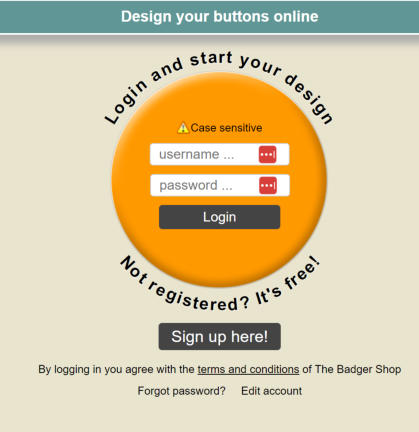
When you click on the designer you will be greeted with a login or register screen.
Pick the size of the badge that you want. A normal button badge is 25mm and is
the core component for the majority of the items we sell.
You can upload photos for your design. For our range of Icons simply select Icons.
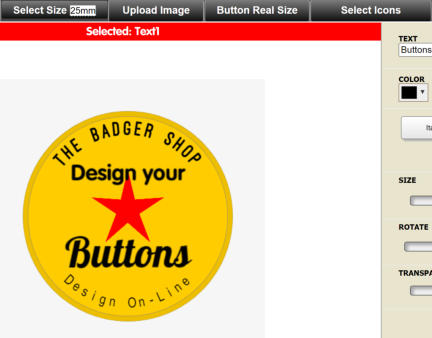

Text can be added or taken away from the design by selecting the buttons

Once you have designed your button, click save
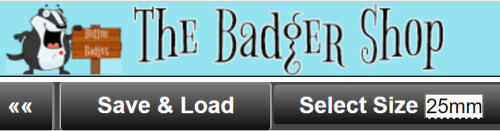
Then click on all your buttons
This takes you to your badge libary if you have designed more than one.
Once you are happy with your design then press the select your buttons.
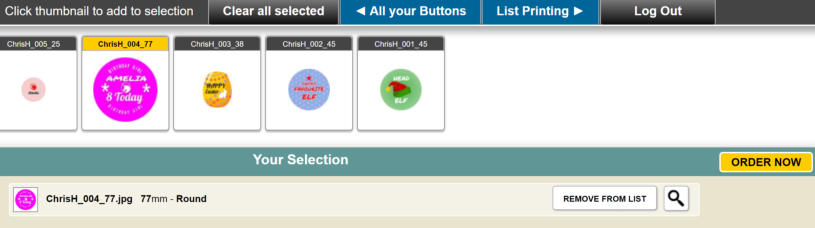
Simply put in the quantity and your details. For a simple button badge thats it, we will be in touch via email with a secure PCI compliant link.
If you require a keychain, Bottle opener or anything else, just add it to the notes on the order form.


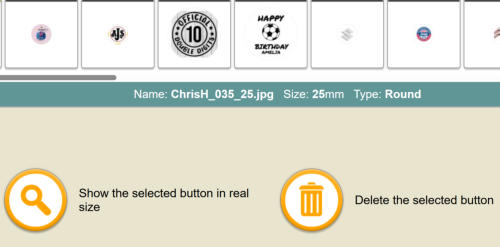
Here you can show the real size or delete your design.



TheBadge Designer

To Order
Hopefully you will find this easy to
do.
The first thing you need to do is make a design using the online designer. This needs to be done in desk top mode, so please switch to a tablet or Computer.


© The Badger Shop - Let the Badge say it all.